
Page Statuses & Publishing Your Page
Page Statuses
There are 5 page statuses available, with draft being the default status:
Draft: not ready to publish
Pending: Waiting for review before publishing
Private: Only visible to site admins and editors
Scheduled: Publish automatically on a chosen date
Published: Live and visible to everyone
Changing the page status
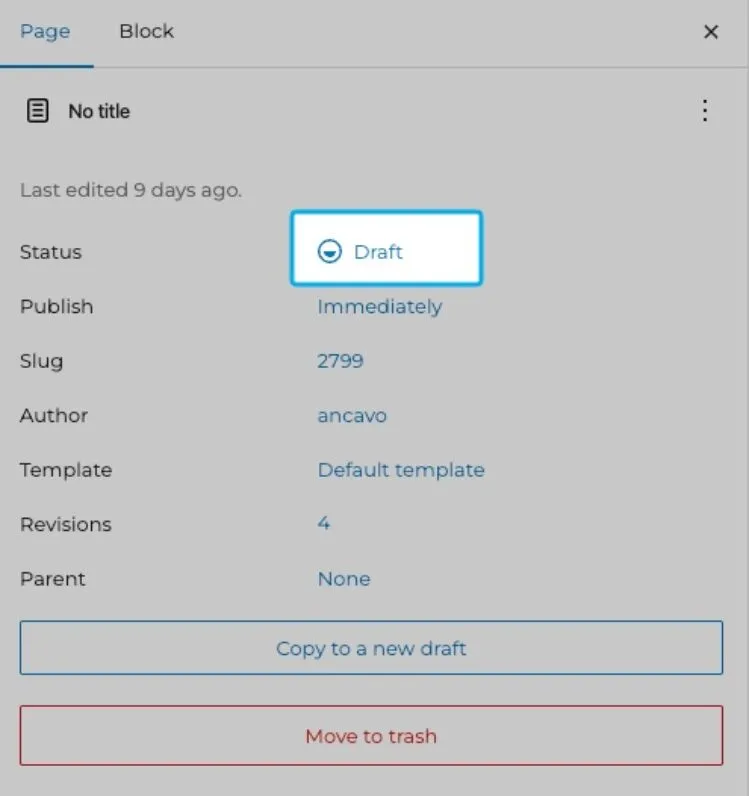
In your page settings, click the blue text next to Status
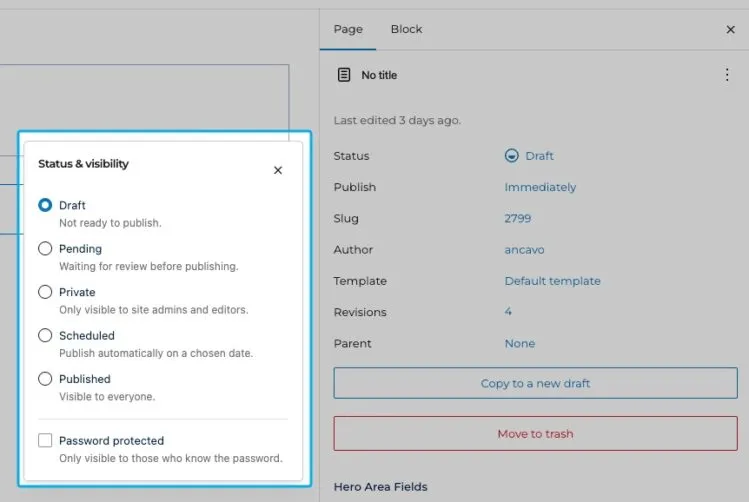
A modal pops up with the available statuses
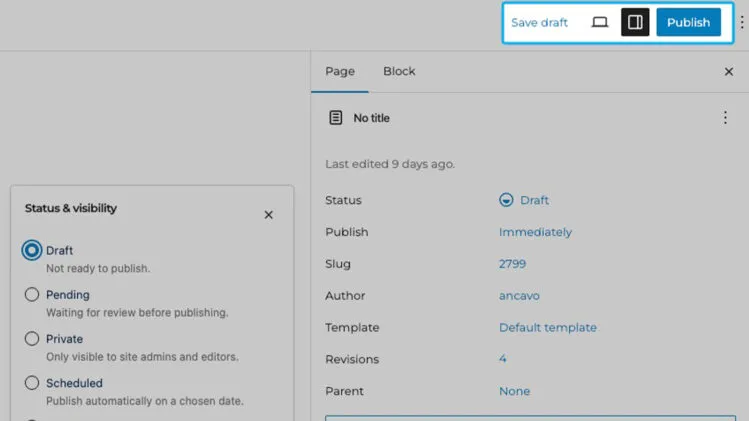
Select the appropriate status, be sure to save and you’re done!
Publishing Pages
- Proofread and QA your content
- Preview your draft to be sure it complies with Student Life web standards and that nothing is broken
- Check any hyperlinks!
- Click the Publish button in the top right
For a guided walkthrough of changing page statuses and publishing pages, please watch this video: